
LabVIEW Application Development & DAQ Systems Engineering
Master Graphical Programming, Advanced Architecture Design Patterns, Hardware Data Acquisition (DAQ), and CLAD Certification Mechanics
Enroll in LabVIEW & DAQ Engineering
Get started with a free demo class.
Course Overview
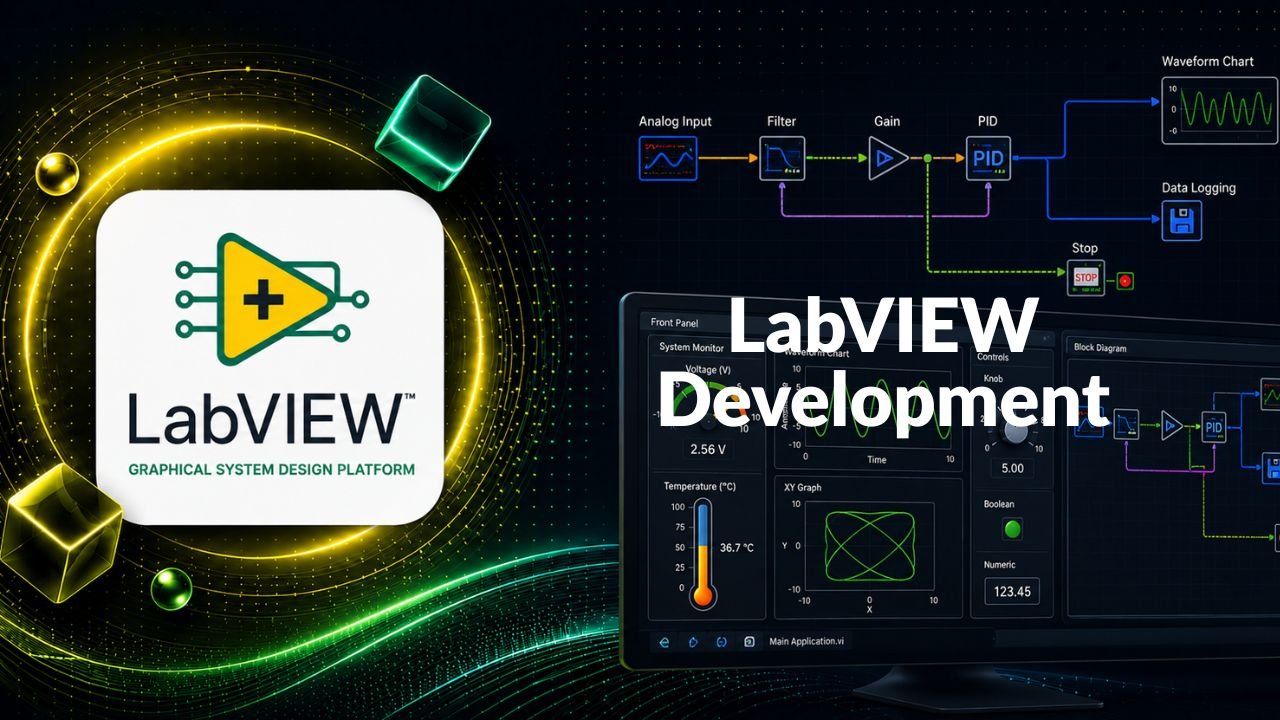
This target-driven engineering course delivers the absolute core competencies needed to become a professional systems developer using the National Instruments LabVIEW graphical development platform. The curriculum steps directly past introductory logic, driving deep into memory handling, graphical data types, execution structures, subVI connector configurations, and asynchronous parallel loops. Engineers will learn to architect automated validation suites and hardware telemetry tracking tools utilizing production-tested design patterns (including Queued Message Handlers and State Machines), implement low-latency inter-loop synchronization barriers via Queues and Notifiers, interface with real-world sensors via physical Data Acquisition (DAQ) modules, and optimize executable installer distribution steps. The course is structurally mapped to fully prepare developers for the benchmark Certified LabVIEW Associate Developer (CLAD) examination matrix.
Who Should Learn
Prerequisites
- Basic knowledge of engineering measurements, digital signaling concepts, or hardware interface lines
- General familiarity with standard programming concepts such as variables, loops, and conditional conditional logic blocks
Learning Outcomes
Course Curriculum
1Module 1: LabVIEW Environment, Core Paradigms & Data Structures4 topics
- Workspace Layout: Navigating the Front Panel and Block Diagram windows, exploring function palettes, and managing execution flows
- Data Classifications: Manipulating core elements including Numerics, Booleans, Strings, and composite cluster structures
- Array Operations: Building array vectors, index shifting, sorting profiles, and optimizing memory allocation pathways
- Execution Structures: Mastering For Loops, While Loops, shift registers, and multi-branch Case Structures
2Module 2: Graphical Events & Reusable Architecture Engineering4 topics
- Event Programming: Implementing UI-driven Event Structures to reduce processor consumption profiles
- SubVI Development: Creating modular subVIs, configuring connector pane inputs, and designing custom graphical block icons
- Application Control: Working with VI references, parsing property nodes, and using local variables carefully to prevent race conditions
- Workspace Properties: Customizing window parameters, runtime execution configurations, and menu visibility rules
3Module 3: Visual Analytics Data Plotting & File I/O Streaming4 topics
- Data Plotting Mechanics: Setting up wave charts, baseline waveforms, and advanced multi-channel XY graphs
- File Operations: Engineering data logging paths to execute basic text formatting and low-overhead spreadsheet logging
- Data Parsing: Writing clean data translation blocks to manage custom string matrices, delimited files, and text conversions
- Report Automation: Utilizing the Report Generation Toolkit to publish corporate status templates and spreadsheet data summaries
4Module 4: Advanced Advanced Interactive Controls & UI Containers3 topics
- Interface Components: Configuring multi-layer Tab Controls, modern data Tables, and multi-level systemic Tree Controls
- Picture Vector Graphics: Leveraging picture controls to parse, convert, display, and draw dynamic geometric tracking maps
- User Experience Design: Designing clean, industrial-grade human-machine interfaces (HMIs) optimized for industrial hardware spaces
5Module 5: Scalable Systems Design Patterns4 topics
- Architecture Evaluation: Understanding structural choices and isolating the performance profiles of design patterns
- State Machine Engines: Developing robust, scalable state engines using explicit enumerations and target event matrices
- Parallel Loop Topologies: Implementing Master-Slave threads and multi-threaded Queued Message Handlers (QMH)
- Pattern Optimization: Tracing system latency points and choosing optimal runtime architectures based on application scopes
6Module 6: Parallel Loop Synchronization & Communication Mechanisms3 topics
- Queue Topologies: Structuring data buffer queues to safely transfer information packages across asynchronous loops
- Notification Pipes: Deploying Notifiers to issue single-source broadcast messages to multiple independent threads
- Resource Locking: Implementing Semaphores to lock physical devices and protect shared software assets from data collisions
7Module 7: Project Governance, Compilation & Hardware Ingestion (DAQ/VISA)4 topics
- Project Explorer Management: Structuring multi-file applications, setting up virtual folders, and documenting code bases
- Deployment Engineering: Compiling standalone executables (.exe) and building complete setup packages with installer wizards
- Data Acquisition (DAQ): Deconstructing instrumentation hardware architectures, transducer lines, and signal processing cards
- Instrument Automation: Harnessing the VISA API engine to command external scopes, multimeters, and controllers over serial channels
8Module 8: Enterprise Assessment, Interview Prep & Certification Mechanics (CLAD)3 topics
- Syllabus Consolidation: Rigorous code reviews of complex systems applications and optimization configurations
- CLAD Strategy Drills: Breaking down target multiple-choice topics, code snippet evaluations, and timing logic problems
- Simulation Workspaces: Executing mock exams, analyzing troubleshooting paths, and reviewing enterprise resume samples
Certification
Attain the SkillSurf Certified Specialist in LabVIEW Systems Engineering designation upon successfully creating a distributed Queued State Machine automation loop and proving core competency across our mock CLAD certification tests.